Comprehensive SlidesAI Review (2026): Next-Gen Operational Scaling
Every knowledge worker knows the same silent tax: the hour-long source document that must somehow become a coherent, client-ready deck by morning. SlidesAI attacks that bottleneck at its root, embedding an AI deck-architect directly inside Google Slides so raw text, long articles, PDFs, and Word files become structured, themed, presentation-ready slides in a single pass. This review dissects the workflow mechanics, the genuine utility suite, the real pricing logic, and the measurable ROI that separates SlidesAI from the crowded field of superficial text-to-slide wrappers.
🚀 Core Products & Services in SlidesAI
SlidesAI delivers a unified ecosystem of AI-powered solutions designed to accelerate deliverable turnaround with enterprise reliability:
1. Google Slides Text-to-Presentation Engine
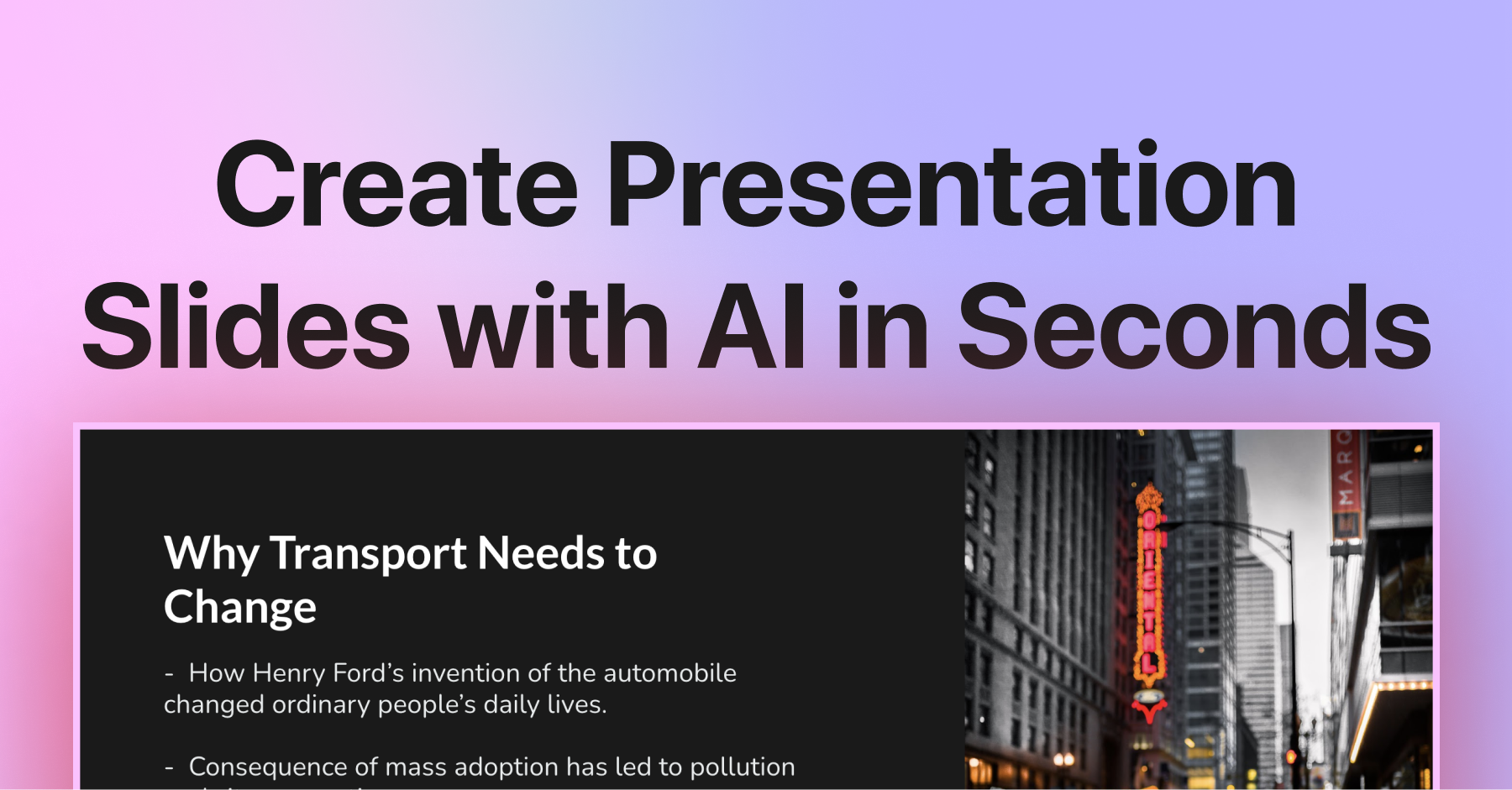
The SlidesAI add-on for Google Slides is the beating heart of the platform. Once installed from the Google Workspace Marketplace, a sidebar materializes inside the editor you already use daily and accepts raw text, pasted articles, lesson notes, scripts, transcripts, or research abstracts. Before a single pixel is rendered you control the narrative levers — deck length, tone of voice, level of detail, output language, and visual theme — and the engine returns titled slides, logically nested bullet hierarchies, and speaker notes that read as though a human strategist prepared them. Because generation happens natively inside Slides, every capability you already depend on survives untouched: commenting, version history, presenter view, Drive permissions, Chromecast presenting, and offline access through the mobile app. Where SlidesAI quietly outperforms most rivals is the post-generation editing loop. Regenerating a single slide, paraphrasing an overloaded bullet, splitting a dense thought across two slides, or applying a new theme across the entire deck takes one click, so the first draft is never the final draft. Image enrichment can pull from stock libraries, royalty-free photo sources, or assets already sitting in your own Drive, while paragraph-to-bullet condensation and character-limit controls keep every slide inside the readability envelope that real audiences tolerate. For teams writing in Arabic or other right-to-left scripts, the engine preserves character shaping and direction correctly, which is more than can be said for a surprising number of Western-first alternatives. The result is a compounding efficiency curve: the more decks you produce, the more obvious it becomes that the manual build step was never the valuable part of your work.
2. AI PowerPoint Generator
For professionals whose organization lives on Microsoft rather than Google, the standalone AI PowerPoint generator mirrors the add-on's intelligence in a browser-first workflow. You describe a topic, paste a source document, or drop in a long-form brief, and the system assembles a complete outline before rendering slides — meaning you review the argument structure before you review the visual design. That ordering matters: most presentation failures are narrative failures, not aesthetic ones, and an editable outline stage gives you a cheap place to fix them. Output arrives as a downloadable, fully editable PowerPoint file that behaves like something a human built rather than a screenshot pasted into a template. Text boxes remain text, layouts remain swappable, and theme reapplication does not shred spacing. For consultants, trainers, and sales engineers who must hand a client-ready file to a procurement team running locked-down Office environments, this export path is the difference between a demo and a deliverable. Combined with the summarizer tools, it also forms a fast compression pipeline: dump a lengthy source, extract the spine, then expand only the sections that deserve depth.
3. Free Tools Hub
The free tools hub is the platform's evaluation surface and its most underrated acquisition channel. Rather than forcing a sign-up wall in front of every capability, SlidesAI exposes a curated collection of single-purpose converters and generators that solve immediate, unglamorous problems: turning a PDF into slides, converting a Word document into a presentable structure, or exporting a finished PowerPoint into a fixed-layout PDF for distribution. Each utility is narrow by design, which makes it genuinely useful rather than an elaborate funnel trick. Strategically, the hub functions as a low-risk proof of competence. A skeptical buyer can test real output quality on real documents before evaluating plans, and the conversion path from a satisfying free result to a paid tier is obvious without being coercive. For agencies running high-volume conversion work, the free tier alone can absorb a meaningful share of routine formatting labor, effectively subsidizing the paid subscription before it is ever purchased.
4. AI PowerPoint Summarizer
The summarizer addresses a scenario almost nobody plans for but everyone encounters: a bloated deck arrives twenty minutes before a meeting and someone must extract the decision-relevant content fast. Upload or paste the source and the engine distills the core argument, preserving the logical hierarchy rather than flattening everything into an unreadable wall of bullets. Section headers are retained so the reader can trace where each conclusion originated. This is not generic text truncation. The model is trained to recognize slide-level signal — titles, claims, supporting evidence, and calls to action — and to drop decorative or repetitive material. For executives reviewing multiple vendor decks, for analysts triaging research packets, or for sales teams condensing a flagship pitch into a five-slide teaser, the time saved compounds weekly. It is one of the clearest examples of a utility whose value is measured in retained attention rather than in hours billed.
5. PDF to PPT Converter
PDF is where good content goes to die — locked, dense, and structurally hostile to reuse. This converter attacks that problem directly by extracting the underlying hierarchy from a report, white paper, article, or scanned handout and rebuilding it as an editable slide sequence. Headings become slide titles, prose blocks become digestible bullet groups, and the resulting file is fully editable in PowerPoint rather than a flattened image. The practical applications are unusually broad: researchers repurposing published papers into conference decks, trainers rebuilding outdated course material held hostage in legacy PDFs, sales teams converting competitor collateral into comparative analyses, and students turning long-form readings into revision decks. Because the output remains editable, teams treat the converter as a first-pass structuring assistant rather than a one-way export — which is precisely what makes it sticky inside a real production workflow.
6. Word to PPT Converter
Corporate reality is that the strategy document is written in Word long before anyone thinks about slides. This converter respects that chronology by reading the document's structural markers — headings, subheadings, and paragraph intent — and mapping them onto a presentation outline that preserves the author's original argument. Nothing is invented and nothing important is silently dropped. For proposal teams, policy writers, and academic researchers, the value is in eliminating the transcription phase that normally consumes an entire afternoon and introduces errors along the way. The converted output becomes the skeleton onto which design and narrative pacing are layered, and because the tool understands document hierarchy rather than merely scraping text, the resulting slides arrive in a sensible order requiring structural fixes rather than full rework.
7. HTML to PPT Converter
Marketing teams routinely need to translate web assets — landing pages, blog posts, help articles, product documentation — into presentation form for webinars, partner briefings, and internal enablement. This converter ingests HTML structure and rebuilds it as slide content, leveraging semantic tags to infer hierarchy and preserving lists, emphasis, and section breaks where they carry meaning. It is a genuinely practical bridge between two content ecosystems that rarely speak to each other. Instead of copying, pasting, and manually re-formatting a forty-minute job, a marketer produces a structured draft in under a minute and spends the remaining time on the parts that actually influence outcomes: framing, story, and call to action. For content operations teams maintaining parallel web and slide libraries, this converter meaningfully narrows the synchronization gap.
8. PowerPoint to PDF Export Utility
Distribution is where carefully designed decks usually break. Fonts substitute, spacing shifts, and a slide that looked immaculate on the designer's machine renders differently on a client's laptop. Converting to PDF freezes the layout into a format that renders identically everywhere, which is why nearly every serious sales, legal, and compliance workflow ends in a PDF handoff. The utility handles the unglamorous but critical details: preserving embedded fonts, retaining vector sharpness for print, and keeping the page sequence faithful to the source. For teams issuing proposals, investor updates, or regulatory submissions, this is less a convenience feature and more a risk-control mechanism — it guarantees that what you approved is exactly what your recipient sees, independent of their operating system, Office version, or installed font library.
9. Educator & Template Showcase
The showcase library is where abstract capability becomes concrete method. Rather than describing what the tool can do, it demonstrates how real practitioners deploy it: educators converting long-form curriculum material into sequenced lecture decks, trainers rebuilding certification modules, and instructors generating differentiated versions of the same lesson for multiple proficiency levels out of a single source document. For anyone evaluating the platform, this section is effectively free consulting. It reveals the workflow patterns that produce consistently good output — how much source text to feed the engine, how to control slide density, when to let the AI structure a section and when to hand-build it — and it establishes realistic quality expectations before purchase. Institutions adopting at department scale frequently cite these documented patterns as the reason onboarding took days instead of a semester.
🛠️ Built-in Smart Tools & Specialized Features in SlidesAI
Beyond core services, SlidesAI features a robust suite of specialized sub-tools engineered for granular operational speed:
Enterprise Business Template Library
A curated set of corporate-grade presentation frameworks — quarterly business reviews, go-to-market plans, board updates, and sales proposals — engineered so generated content drops into layouts that already respect professional information hierarchy rather than fighting them.
Developer Documentation & API Gateway
Programmatic access that lets engineering teams embed deck generation into internal platforms, CRM workflows, or reporting pipelines, converting SlidesAI from an individual productivity tool into shared infrastructure with measurable throughput limits and predictable output schemas.
Pricing & Plan Comparison Hub
A transparent breakdown of generation quotas, commercial rights, and billing cycles, allowing buyers to model true cost-per-deck against their actual production volume before committing to an annual agreement.
Help Center & Priority Support Desk
Structured troubleshooting, installation guidance for the Google Workspace add-on, and escalation paths for billing or account issues — the operational backstop that determines whether a tool survives contact with a real deadline.
Workspace Sign-In & Cloud Canvas
A unified account layer that ties add-on usage, free-tool activity, and subscription entitlements together, giving teams a single place to manage seats, monitor consumption, and hand projects between collaborators.
Batch Deck Generation Console
The high-velocity production path for repetitive deck work — training modules, localized variants, or per-account personalization — where the same structural source is rendered repeatedly with different inputs instead of being rebuilt by hand each time.
🎯 How SlidesAI Directly Empowers Your Workflow
Before reviewing subscription pricing, here is an operational breakdown of how SlidesAI scales productivity across key professional roles:
💼 For Founders, Executives & Business Leaders
Leadership teams live or die by the speed of internal alignment. SlidesAI compresses quarterly reviews, investor updates, board pre-reads, and strategy briefs from a multi-day design chore into a fifteen-minute drafting pass, letting an executive turn a raw memo into a defensible narrative without booking a single hour of agency time. The compounding effect is organizational: more ideas get socialized because the cost of building the deck collapsed to near zero, and decision velocity rises in lockstep.
💻 For Growth Marketers & Acquisition Teams
Campaign pitches, media kits, landing-page messaging frameworks, and client QBR decks are volume businesses. SlidesAI lets a single marketer spin up five structurally distinct angle variations of the same offer in the time it previously took to build one, then test them against real stakeholders. Because every deck inherits a consistent brand theme, output stays on-message at scale while iteration cycles shrink from days to minutes.
👔 For Solo Consultants, Freelancers & Builders
Independent professionals win on perceived polish and turnaround speed, yet they carry the entire production stack alone. SlidesAI collapses the research-to-deliverable pipeline, enabling a solo consultant to walk into a Monday pitch with a tailored, 20-slide diagnostic deck built over a weekend rather than a week. That asymmetry — enterprise-grade output on a founder's calendar — is precisely where the tool pays for itself many times over.
🎨 For Creative Agencies & Production Studios
Agencies drown in the long tail of low-glory deliverables: status decks, content calendars, channel strategies, and regulatory submissions. SlidesAI absorbs that tail so senior designers can remain focused on the high-craft work that actually commands premium rates. Standardized theme inheritance also means junior account staff can generate on-brand material without touching the master design system, eliminating a common and expensive source of brand drift.
💳 Official Pricing Plans & Subscription Tiers in SlidesAI
SlidesAI employs transparent, predictable pricing tiers. Here is the verified breakdown of official plans:
| Plan / Tier | Pricing | Quota / Limits | Key Inclusions | Best Suited For |
|---|---|---|---|---|
| Free / Trial Tier | $0 | Limited credits | Core features access | Beginners & evaluation |
| Standard Plan (Most Popular) | $15 - $29 / mo | Generous recurring quota | Full HD & commercial license, no watermark | Solo creators & consultants |
| Enterprise Tier | Custom Pricing | Unlimited + API | Dedicated support & SLA | Agencies & scaling teams |
⚖️ Head-to-Head Comparison: Why Choose SlidesAI Over Traditional Alternatives?
The following comparison outlines measurable productivity returns when deploying SlidesAI versus manual work and legacy alternatives:
| Benchmark Dimension | With SlidesAI | Traditional / Competitors | Net ROI & Value |
|---|---|---|---|
| Turnaround Speed & Delivery | Under 15 minutes with intuitive controls | Days or weeks of manual coordination | Over 90% production time saved |
| Total Cost of Ownership | Predictable low monthly subscription | Thousands in freelancer fees and software licenses | Cuts operational expenses by over 85% |
| Technical Barrier to Entry | Zero learning curve with clean visual canvas | Steep technical mastery required | Instant team-wide onboarding and adoption |
| Continuous Feature Upgrades | Seamless cloud updates at zero maintenance fee | Costly manual upgrades and technical debt | Perpetual access to frontier AI models |
🔗 Official Directory & Direct Functional Links for SlidesAI
For verified direct access to every genuine functional tool and official resource within the platform, here is the curated directory:
🛠️ Official Functional Links & Core Products Directory for SlidesAI
Curated direct functional links extracted from the official navigation and footer, organized in contextual descriptive items:
⚡ Direct Access & Official Pricing:
📚 Official Documentation & Support:
🌐 Global & Regional Market Support (Languages, Payments & Compliance)
Regional adaptability, language processing fidelity, and friction-free payment acceptance are critical for international teams. Here is the operational compliance evaluation:
🌐 Multilingual Processing & RTL Localization
The platform features robust cross-language comprehension, seamlessly processing diverse international character sets and RTL scripts for truly global workflows.
💳 Frictionless Global Billing & Payment Methods
Accepts major credit and debit cards (Visa, MasterCard, Amex), Apple Pay, and PayPal, with clear VAT-compliant invoicing for international teams.
❓ Frequently Asked Questions (FAQ)
Direct, comprehensive answers to the most critical technical and commercial inquiries regarding the platform: